Key Takeaways
- Segment on consent, message class, locale/timezone, and device pool — not on a vague “engaged users” dump from the CRM.
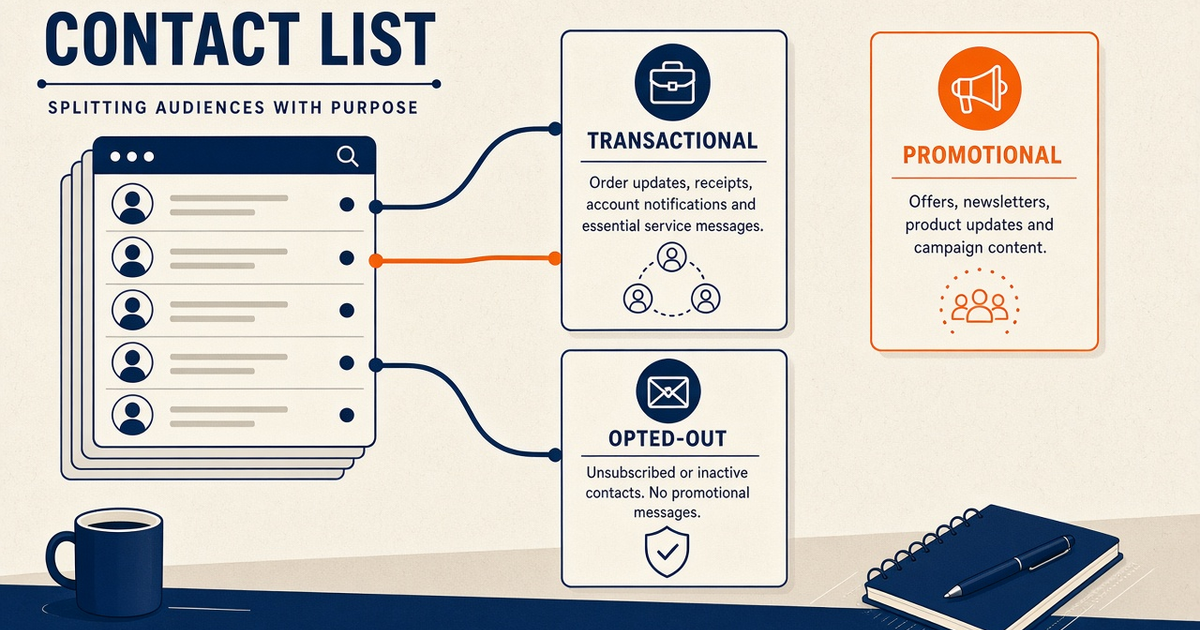
- Opt-outs are a hard exclude, not a filter you remember to apply. A STOP on any device suppresses the number for every later campaign.
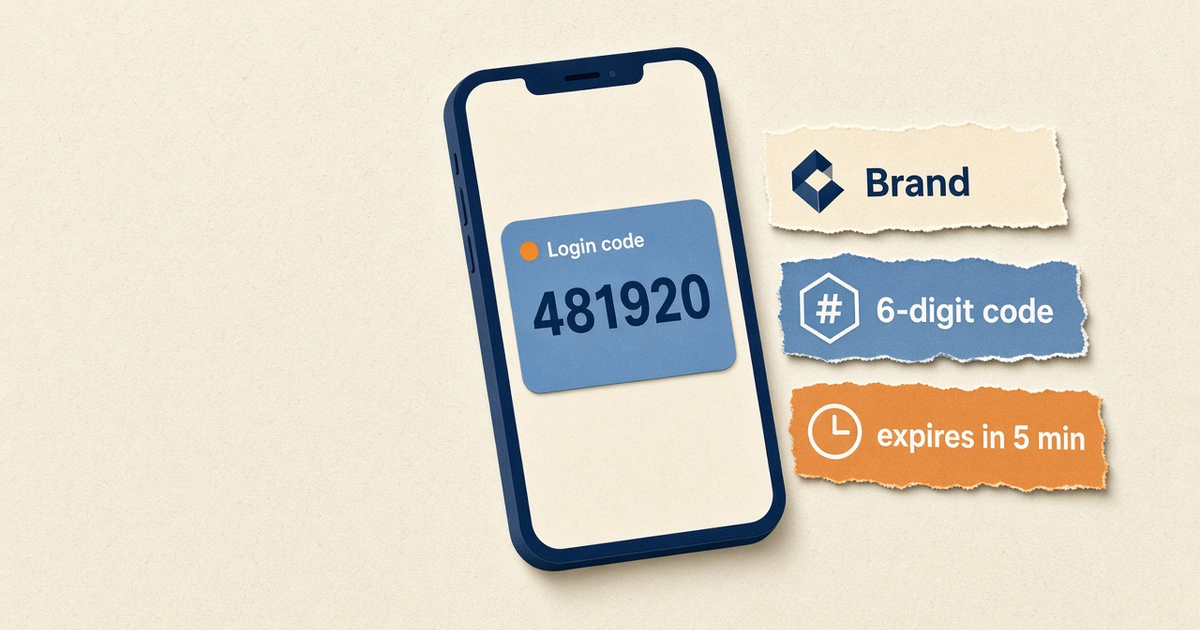
- OTP, shipping alerts, and promotions do not share a segment or a SIM. Mixing them trains carriers to treat your authentication path as bulk.
- Re-check segments at send time. A contact who opted out after you queued a scheduled blast is still opted out.
- Priced by devices and SMS send volume. You use your own phone and operator SMS credit. Free includes 300 SMS lifetime and 300 contacts for list burn-in.
Why a flat list fails
A single spreadsheet of “everyone who ever gave us a number” is not a contact strategy. On an Android SMS gateway it is worse: every row you send burns operator credit, occupies the radio, and trains the carrier on how you behave. Blast the whole file and you mix login codes with weekend promos, wake people at 2 a.m. in another timezone, and resurrect numbers that already texted STOP.
If a row cannot answer four questions — consented, message class, timezone, which SIM — it does not belong in a send. Park it.
The product surface is contacts, lists, and segments. Spreadsheet mechanics sit on bulk SMS from Excel and CSV. This how-to is how operators slice those lists so the Android app is not used as a firehose.
The four dimensions that matter
| Dimension | What you store | What it decides | Failure if you skip it |
|---|---|---|---|
| Consent | Source, timestamp, opted_out | Whether any send is legal | STOP ignored; carrier complaints |
| Message class | OTP, transactional, promotional | Which Android device / SIM | OTP starved or tagged as bulk |
| Locale | Language, timezone, country | Copy, encoding, send window | Unicode segments, 6 a.m. texts |
| Reachability | Last DLR, last inbound, SIM operator | Retry, drop, or move to suppressed | Paying airtime to dead numbers |
Recency (“opened the app last week”) is a fifth, optional slice for campaigns. It never overrides STOP. It never puts a marketing row onto the OTP phone.
Consent is the first segment
Build the directory so opted_out is a field on the person, not a tab named “do not mail” that someone forgets to exclude. Inbound STOP handling is covered in how to handle STOP and opt-outs and in SMS auto-reply and STOP keywords. After the flag is set, every segment query starts with “not suppressed.”
Re-imports are the usual leak. A CRM export that omits the flag will recreate the contact as fresh. Match on E.164, refuse to clear opted_out from a spreadsheet, and log how many rows the dry-run skipped.
Map segments to device pools
Throughput on a handset gateway is radio plus carrier fair-use. A promotional segment that is “only 8,000 rows” can still wreck OTP latency if it shares the modem. Give authentication its own Android device. Put paced bulk on another. Dual SIM on one phone is not the same as isolation — slot maps drift after reboot. See multi-device and dual SIM routing.
When you send from the API, pass deviceIds for the pool that owns that segment. Omit it and the job lands on the primary device — which is how OTP and a flash sale collide at 09:00.
How to segment in the app
- Import with consent and locale columns. Require E.164, opted_in, source, language, and timezone. Reject rows missing consent.
- Create a hard exclude for opted_out. Every campaign, API send, and schedule must skip that flag. Opt-out wins over recency.
- Split transactional vs promotional. Two segments, two Android devices. OTP never rides the marketing modem.
- Add timezone windows. Schedule against the recipient zone, not the office clock that uploaded the CSV.
- Canary each segment on staff numbers. Prove copy, sender number, and STOP path per slice before customer volume.
- Re-run hygiene after every import. Count suppressed skips, duplicates, and non-E.164 rows. If the dry-run cannot show those counts, do not send.
Column mapping for CSV is a panel job. Live field names stay in the SMS API documentation. Pair devices with the device setup guide before the first customer slice.
Timezone and quiet hours
Scheduled SMS fires in UTC on the control plane. Recipients live in civil time. A “Tuesday 10:00” campaign uploaded from Dhaka will wake New York if you stored no zone. Segment by timezone (or offset plus DST rule), then use scheduled SMS campaigns per slice. Quiet hours are a segment constraint, not a hope that marketing will remember.
Hygiene: bounce, STOP, stale
After each send, fold DLR failures back into the directory. Permanent failures leave the promotional segment. Inbound STOP leaves every campaign segment. Numbers with no successful DLR in 90 days deserve a review, not another blast. Delivery semantics are on the delivery reports guide.
Unicode and language belong here too. A Bengali promotional slice is a 70-character segment world. Mixing it into a GSM-7 English blast doubles operator cost without anyone noticing until the prepaid SIM dies. Keep language as a first-class segment, not a mail-merge afterthought.
What segmentation costs
Service pricing is based on device count and total SMS sent through the gateway. You need a working Android phone with a SIM and SMS credit from your mobile operator. Operator message costs are yours—we do not sell carrier SMS balance. Segmentation does not add a gateway meter. It saves airtime by not sending the wrong class of message to the wrong radio. Free allows 300 contacts and 300 SMS lifetime so you can prove import → slice → canary. Paid control-plane plans start at $19/month. Numbers: device and SMS volume pricing.
Four segment recipes that actually ship
Operators ask for “best practice segments” as if there is a universal taxonomy. There is not. There are recipes that keep radios honest. Name them in the panel the way on-call will search at night, not the way a marketer titled a slide.
- otp-login-en. Consented users of the product, English GSM-7 template, OTP device id only, no quiet-hours skip (the user just asked for the code). Rate-limit lives in your app, not in the list.
- txn-shipping-local. Order events for the same country as the sending SIM. Transactional device. Include a ticket or order id, not a promo code. STOP still recorded if they send it, but you do not advertise STOP on the template.
- mkt-optin-tz-evening. Explicit campaign consent, timezone window 10:00–20:00 local, promotional SIM, STOP footer, paced. Dry-run must show suppressed skips.
- suppressed-archive. Not a send target. Exists so the next CRM dump cannot reincarnate the number as opted-in.
If a proposed segment cannot name its device id in one breath, it is not ready. “We’ll decide at send time” is how OTP inherits a flash-sale queue.
Ownership: marketing may request a slice. Engineering owns the device map. Compliance owns the consent fields. When those three disagree in a meeting, the send waits. A gateway phone cannot referee a turf war after you press publish.
Segmentation anti-patterns
- One “all customers” list used for OTP and weekend offers.
- Deleting STOP records so the contact cap looks healthier.
- Segmenting only in Excel, then uploading a new dump that drops flags.
- Using recency to override consent.
- Sending a locale mix that silently switches GSM-7 to UCS-2.
- Pointing every segment at the primary device because
deviceIdsfelt optional.
Next steps
Start from the Android SMS gateway app guide, build slices on contacts and lists, and keep promotional copy off the OTP SIM. When a slice must talk back, use the two-way SMS inbox.
Related product pages
Jump to the live product docs for this topic—not another long-form article.
- SMS API documentationLive endpoint reference
- device and SMS volume pricingPlans and allowances
- contacts, lists, and segmentsAudience hygiene
- Android SMS gateway product guideDefinition, product, and how to buy