Key Takeaways
- GoHighLevel + Android SMS gateway webhook pattern: CRM workflows HTTP-out to a worker you host; inbound SMS and DLR POST back as signed JSON. No marketplace plugin to paste.
- Hub is the GHL overview. OTP flow is a sibling — do not merge login into a blast funnel.
- The CRM is not the radio. Last-seen still lives on the paired Android.
- HMAC + idempotency. Delivery retries must not send a second SMS.
- Priced by devices and SMS send volume. You use your own phone and operator SMS credit. Free is 300 SMS lifetime.
- Live API fields: Developer Center. REST only — not a GHL app we sell.
Integration spoke: gohighlevel android sms gateway webhook pattern. Overview: GoHighLevel overview. OTP sibling: GHL OTP flow. Control-plane webhooks: server webhook in-depth. Product: webhooks.
Priced by devices and SMS send volume. You use your own phone and operator SMS credit.
A green funnel in the CRM is not a delivered SMS. It is a ticket you still have to walk to a charger.
Two arrows, not a marketplace plugin
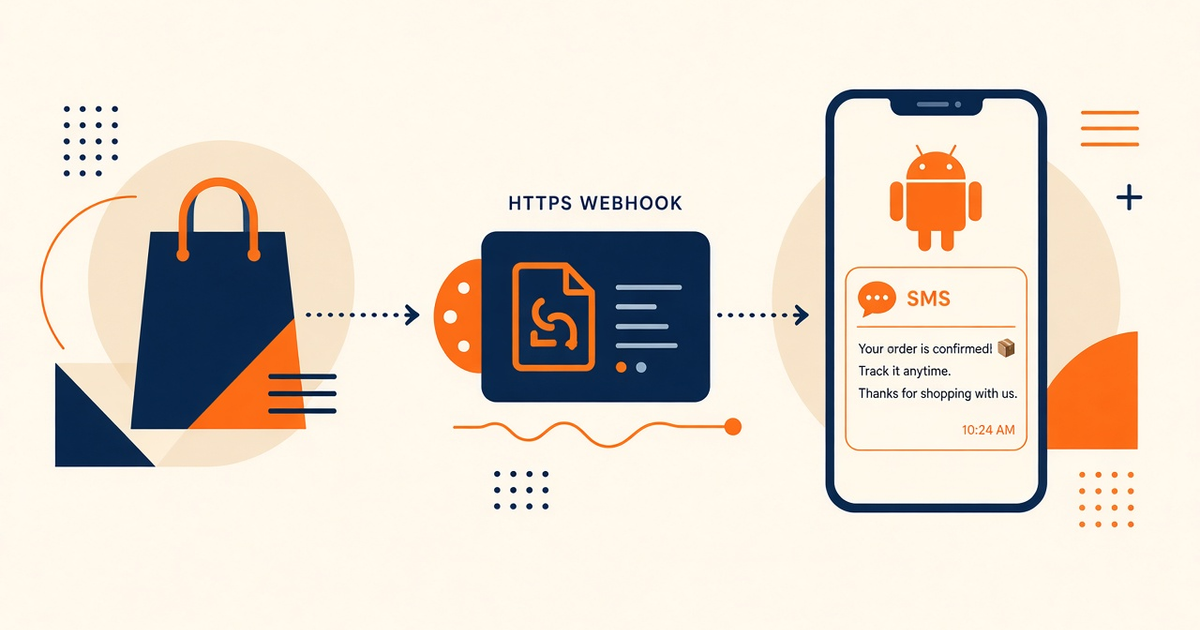
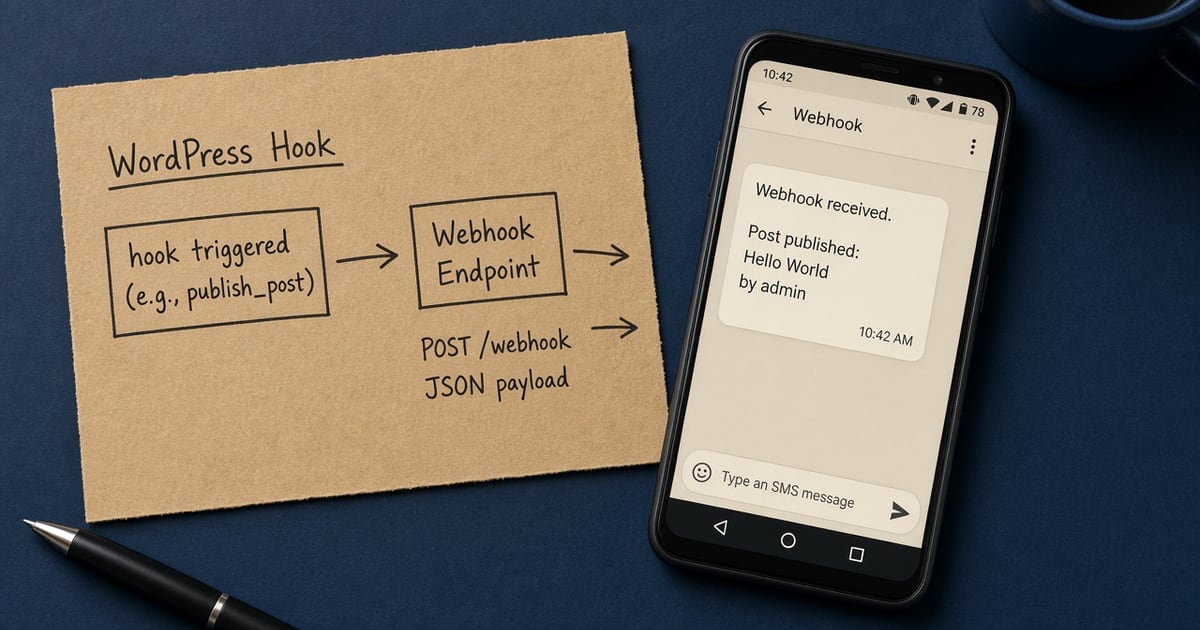
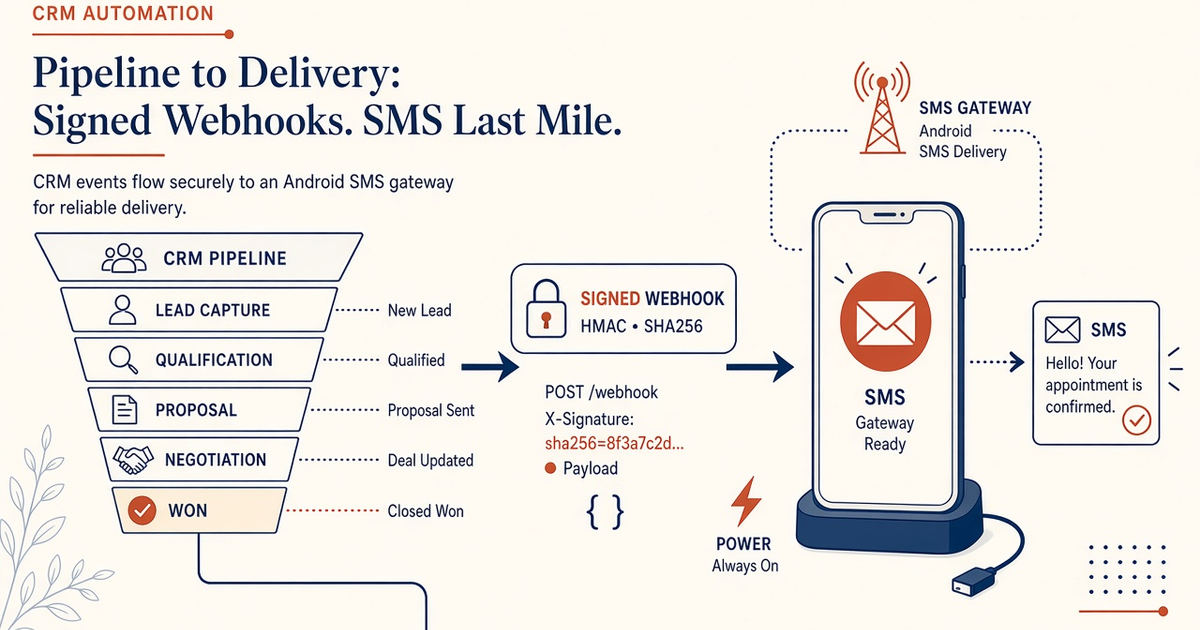
Outbound: workflow HTTP request → your small worker → gateway send. Inbound: gateway webhook → verify HMAC → tag/contact in the CRM. We do not ship plugin code, OAuth app listings, or a “complete GHL SDK.”
CRM → your worker → gateway
Custom actions that embed a Bearer token in the CRM UI will leak. Put the key in env on a worker you run. Secure API keys in env. Confirm JSON in Developer Center.
Inbound SMS → signed webhook → CRM
Map STOP, help, and support to tags. Do not park inbound on the OTP device. Auto-reply and STOP.
Webhook table: send vs DLR vs STOP
| Event | CRM should | Must not |
|---|---|---|
| Send accepted | Store gateway message id | Mark delivered |
| DLR / status | Update the same row | Fire another send on retry |
| Inbound STOP | Suppress + tag | Keep blasting from a leftover workflow |
| Inbound help | Open a conversation | Hit the OTP nickname |
Limits: webhooks limits.
Verify the signature or do not trust it
Anyone can POST a fake “delivered.” Follow the HMAC pattern in the server webhook guide. Deduplicate delivery ids. External CRM docs stay theirs — do not paste a vendor README here.
OTP is a named radio, not a funnel step
GHL OTP flow and OTP verification. A pipeline that “also sends 2FA” on the promo SIM is an outage with extra steps.
Automations still spend the SIM
Priced by devices and SMS send volume. You use your own phone and operator SMS credit. Workflow loops that retry HTTP without idempotency double-bill the operator. Device health: app device health.
Checklist
- No plugin fantasy — worker you host.
- Key in env, not the CRM field.
- HMAC verified.
- Idempotency on send and on DLR.
- STOP writes suppression.
- OTP radio named elsewhere.
- Last-seen watched.
- Developer Center for live fields.
- Canary contact before a list.
- No Unlimited SMS in the funnel copy.
Next steps
Start from the overview and pricing. The CRM moves the ticket. The Android still sends it.
Related product pages
Jump to the live product docs for this topic—not another long-form article.
- SMS webhook integrationInbound and status events
- SMS API documentationLive endpoint reference
- device and SMS volume pricingPlans and allowances
- Android SMS gateway product guideDefinition, product, and how to buy