Key Takeaways
- Schedule promotional SMS in the recipient’s local window, not your office wall clock.
- Store a timezone (IANA name) or a UTC offset you refresh — not “send at 9” with no zone.
- US TCPA-style quiet hours are commonly 8 a.m.–9 p.m. local; other markets have their own windows. Confirm current law with counsel.
- API `scheduleAt` is ISO-8601 UTC and refused beyond 38 days. Convert local send time to UTC in your backend.
- A scheduled job still needs a charged, paired phone. The calendar is not a radio.
- Service pricing is based on device count and total SMS sent through the gateway. You need a working Android phone with a SIM and SMS credit from your mobile operator. Operator message costs are yours—we do not sell carrier SMS balance.
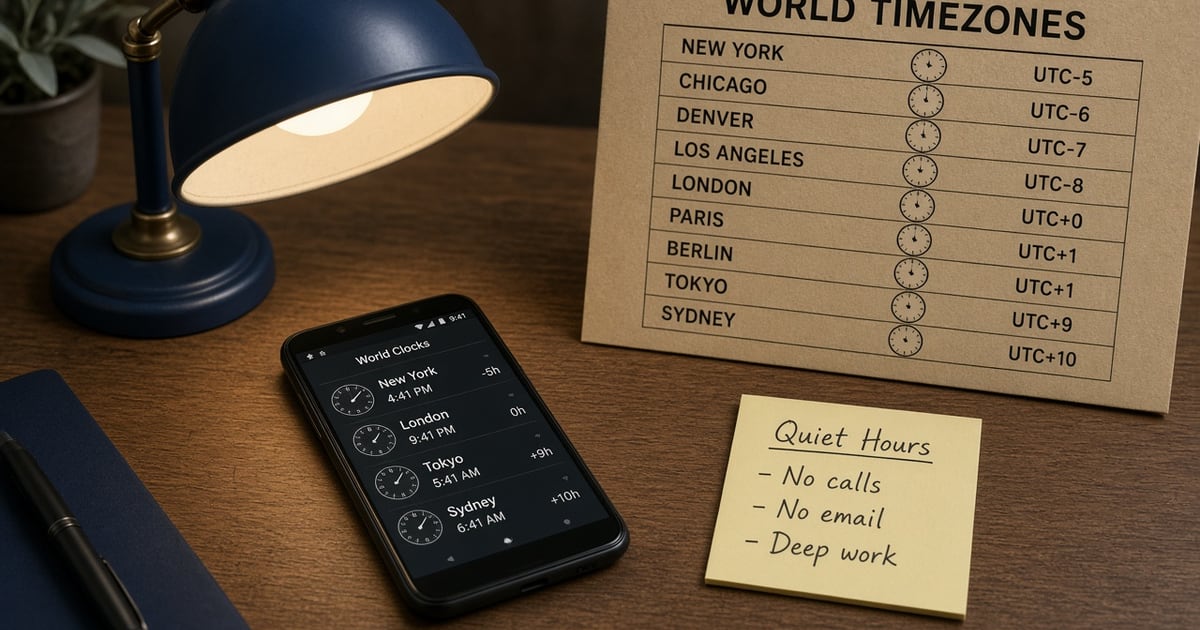
Search intent for android sms gateway app how to schedule campaigns by timezone is almost always a scar: a “9 a.m. launch” that woke the West Coast, or a reminder that landed during Friday prayers because someone stored wall-clock time in the HQ city. The Android app will fire whatever UTC instant you give it. It will not infer courtesy.
Scheduled SMS is available from Starter upward in the product. The control plane queues the job; your SIM still spends operator credit when the radio sends. Service pricing is based on device count and total SMS sent through the gateway. This spoke belongs under the app guide and the scheduled SMS feature— not as a second overview.
Quiet hours are a property of the recipient, not of the laptop that clicked Send.
The 9 a.m. that arrives at 2 a.m.
Dashboards lie politely. You see 09:00 because that is when you sat down. The handset on a nightstand in another offset sees whatever local time that UTC converts to. Promotional SMS in the US is the classic trap: TCPA-style rules are commonly described as 8 a.m.–9 p.m. recipient local. Confirm current obligations with counsel; the FCC’s consumer materials on unwanted texts are a starting point, not a substitute for a lawyer: FCC guide on unwanted calls and texts.
Transactional reminders are not a free-for-all either. A shipping ping at 01:10 still trains people to block the number — and on a gateway that number is your real MSISDN.
What to store per recipient
You need a timezone you can convert. Best: IANA name captured at signup or from a trusted profile. Acceptable: map country or area code to a default zone and let support override. Weak: a numeric offset with no DST rules. Useless: “send at 9” with no zone at all.
Recipients move. A student who signed up in Dhaka and now studies in Toronto will keep getting the old window until you refresh the zone. Put a yearly audit on the list, or an in-app prompt when the device locale disagrees with the stored zone.
Quiet hours by region
This table is an ops starting grid, not legal advice. Always check the current statute and operator code for the market you send into.
| Audience | Working assumption | Store | Do not |
|---|---|---|---|
| US promotional | Often 8 a.m.–9 p.m. local (TCPA-style window) | IANA zone or NPA→zone map | Fire HQ 9 a.m. at Pacific numbers |
| EU / UK marketing | Consent + reasonable hours; PECR/GDPR still apply | Country + zone | Hide commercial intent as a “service ping” |
| South Asia OTP | Event-driven, not a campaign clock | Nothing on the scheduler | Batch codes for “morning peak” |
| Appointment reminders | Local afternoon-before or morning-of | Clinic timezone + patient zone if they travel | One blast at staff closing time |
scheduleAt is UTC
The public send contract uses ISO-8601 UTC on scheduleAt, refused beyond 38 days. Convert in your backend. Do not send a naive local string and hope. Live fields belong in the SMS API documentation. Shape of the call:
curl -X POST "https://app.sms-gateway.app/api/v1/messages" \
  -H "Authorization: Bearer $SMS_GATEWAY_API_KEY" \
  -H "Content-Type: application/json" \
  -d '{"to":["+14155552671"],"text":"Reminder: your invoice is due tomorrow.","type":"sms","scheduleAt":"2026-09-01T09:00:00Z"}'

# Times are ISO-8601 UTC unless the string carries an offset.
# scheduleAt is refused beyond 38 days. PATCH /campaigns/{id} can re-time a campaign.
Campaigns in the panel can be re-timed. Long drip sequences should be rolling windows, not a 90-day pile the API will refuse.
DST and the missing hour
Spring-forward deletes a local hour; fall-back duplicates one. If you stored “Sunday 02:30 America/New_York” you need a rule: skip, or slide to 03:30. Libraries that speak IANA zones (not hand-rolled offsets) are the boring fix. Test the weekend of the change with a staff canary, not with 40,000 customers.
The phone still has to be awake
A perfect UTC timestamp on an offline handset is a delayed send. Delayed sends miss the quiet window. Before a campaign, check last-seen, battery, and queue depth. Keep a spare charged device on multi-device plans so a single OEM killer does not dump the whole list at 11 p.m.
Pace the radio. Scheduling 8,000 rows for the same second is a blast wearing a calendar. Stagger by zone, then by a few seconds inside the zone, so OEM rate ceilings and carrier fair-use do not fold the wave. See the load-test how-to if you are guessing at SMS/min.
Do not schedule login codes
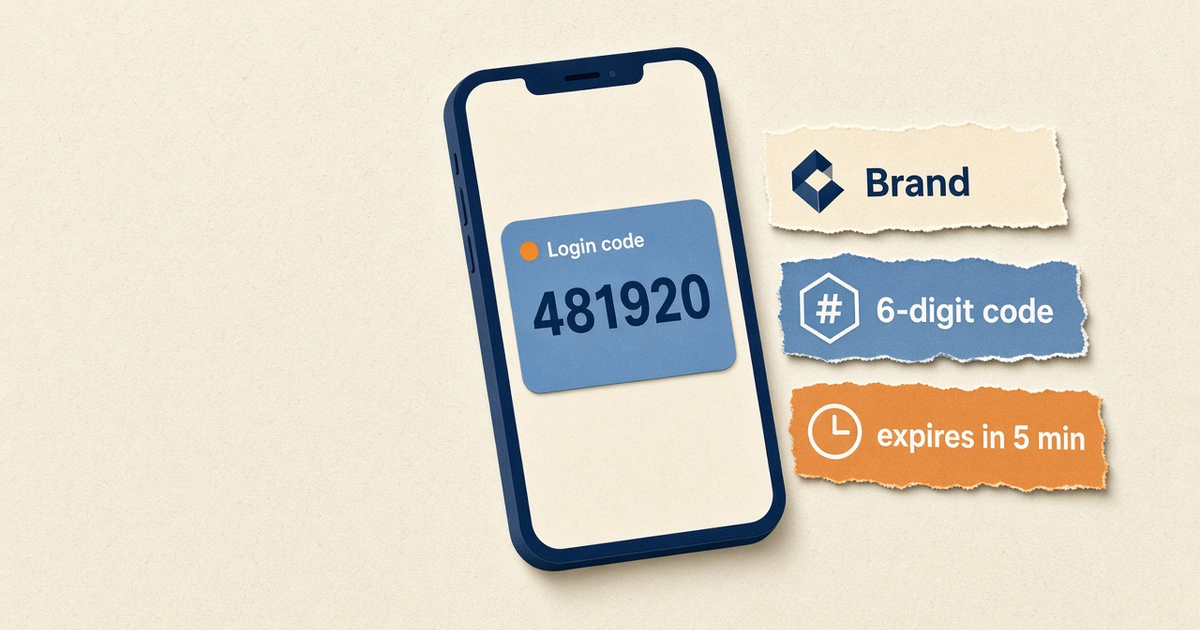
OTP is a response to a user action. Expiry is measured in minutes. Putting codes on the campaign clock mixes lanes and burns the SIM’s reputation when a promotional template shares the device. Isolate OTP hardware. That rule shows up in every honest gateway runbook because teams keep violating it.
How to schedule a campaign
- Tag each contact with a timezone. IANA name (America/New_York) from signup, area code map, or address. Refresh when they move.
- Pick a local send window. Promotional: inside quiet hours for that zone. Transactional reminders: still avoid midnight unless the user asked.
- Convert to UTC. Compute the next in-window instant, store ISO-8601 UTC on scheduleAt or the campaign clock.
- Cap the horizon. Stay inside 38 days for API scheduleAt. Split long drip programs into rolling windows.
- Prove the radio. Canary a staff number in a far zone. Confirm DLR and that the phone was online at fire time.
- Honor STOP. Promotional lanes need opt-out handling. A scheduled blast does not get a pass.
Consent and STOP still apply. Wire auto-reply and STOP on promotional lanes. Bulk lists belong on bulk SMS with consent.
Checklist
- Each recipient has a timezone you can convert.
- Local window written down (promo vs reminder).
- UTC conversion tested with a far-zone canary.
- scheduleAt within 38 days for API jobs.
- Phone online, charged, last-seen fresh at T-minus 30 minutes.
- OTP not on this device pool.
- STOP honored; retries budgeted as operator airtime.
Next steps
Open scheduled SMS, confirm the contract in Developer Center, and read how an Android SMS gateway works if anyone on the thread still thinks the cloud holds the radio.
Related product pages
Jump to the live product docs for this topic—not another long-form article.
- bulk SMS from Excel and CSVSpreadsheet campaigns
- bulk SMS with consent best practicesHigh-volume outreach
- scheduled SMS campaignsSend later windows
- SMS API documentationLive endpoint reference