MCP Server for Android SMS Gateway: What is MCP for SMS — setup walkthrough

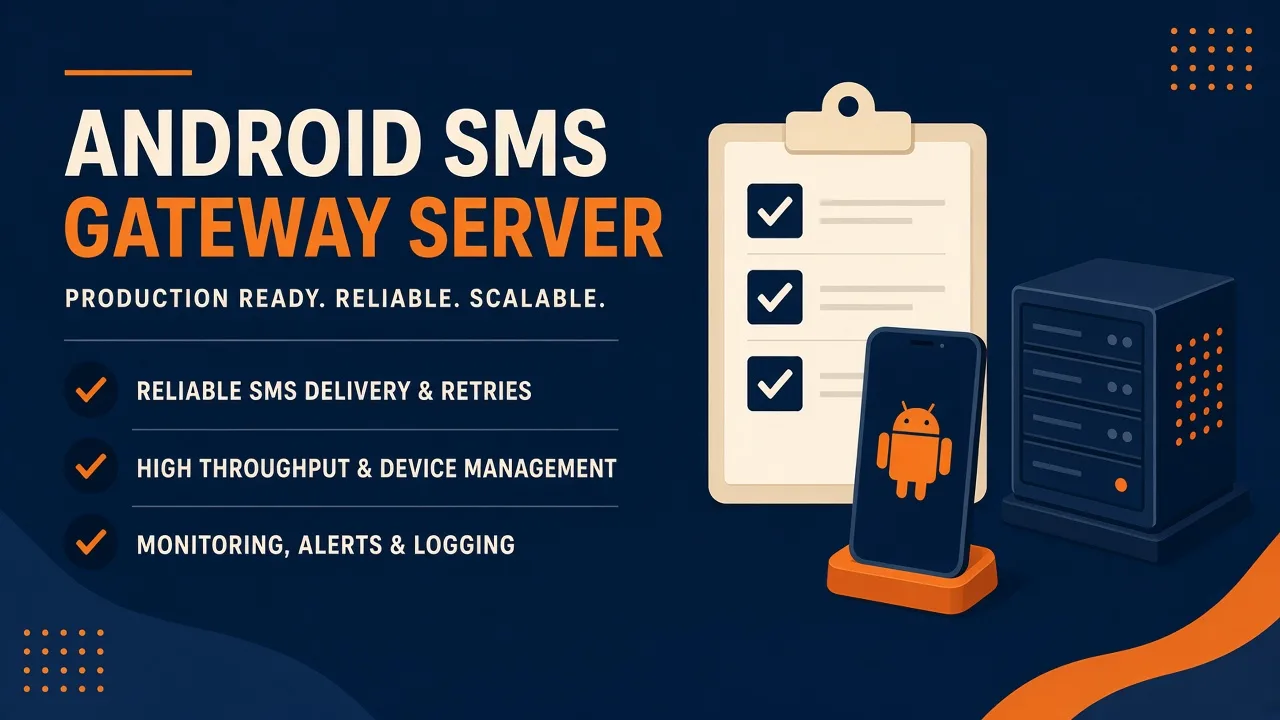
Featured illustration for MCP Server for Android SMS Gateway: What is MCP for SMS — setup walkthrough

MCP Server for Android SMS Gateway: What is MCP for SMS — setup walkthrough. MCP education post: what is MCP for SMS (setup walkthrough). Explain tools as interface over the same Android SMS gateway API. No MCP server implementation code required in Phase 1. Priced by devices and SMS send volume; BYO phone and operator credit. Developer Center owns live API parameters.

Written by the SMS Gateway team for operators who run phones and airtime themselves — not for theoretical cloud SMS demos.

InformationAndroid SMS GatewayMCPDevelopers
Article
Published
February 22, 2025
Updated
March 17, 2025
Reading time
16 minute read

Key Takeaways

  • MCP for SMS is a setup of tools that call the same Android SMS gateway REST API — not a first-party Cursor or Claude plugin.
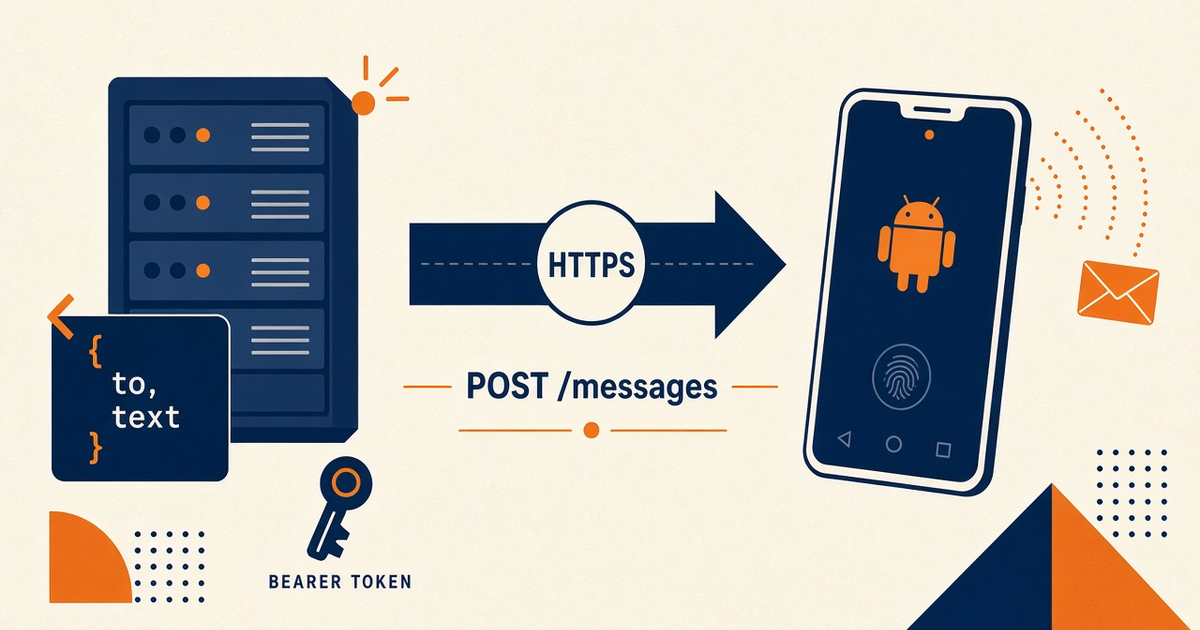
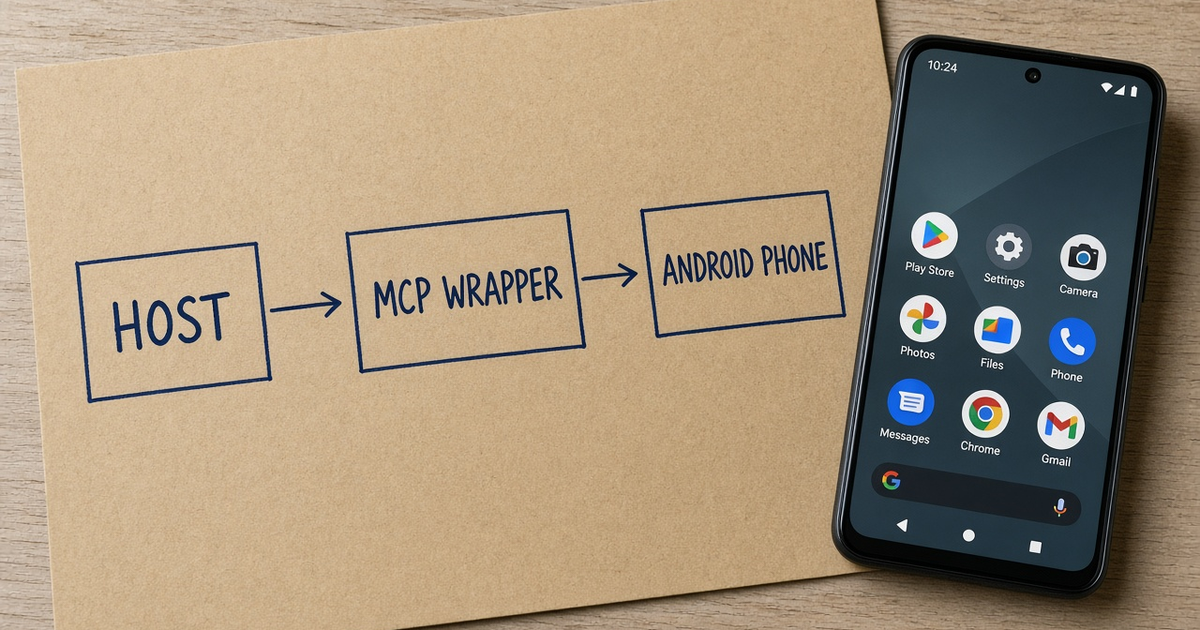
  • The host (Cursor, Claude Desktop, etc.) spawns your wrapper. The wrapper POSTs /messages with Bearer from env.
  • Confirm live JSON in Developer Center. MCP does not invent a second send contract.
  • Start with list-devices. Add allowlisted send later. Keep OTP on your backend.
  • You bring the phone and operator credit. Platform pricing is devices plus send volume.

MCP is a door, not a radio

Concepts: MCP for SMS concepts. Spec: Model Context Protocol. API hub: Android SMS gateway API. Live JSON: Developer Center.

Vs REST: MCP vs REST walkthrough. We meter devices and volume.

Host, wrapper, HTTPS

A host loads an MCP server command. That process calls POST https://app.sms-gateway.app/api/v1/messages with env Bearer. The Android is still your paired modem. Pairing.

“If you cannot explain the send without saying MCP, you do not have a protocol problem. You have a missing HttpClient.”

Walkthrough checkpoints

What is MCP for SMS — setup vs skip
StepPassFail
Env keyChild process sees itPasted in chat
First toollist devicesOpen send_campaign
SendAllowlisted MSISDNAny to[]
OTPBackend RESTAgent retries codes
StatusDLR200 = delivered

What this is not

Not a Cursor marketplace listing from us. Not Claude Desktop’s official SMS extension. Auth: MCP auth. Webhooks still: webhooks.

Then narrow the tools

Securing tools. Pricing.

Next steps

Wire staging env. Prove list-devices. One staff SMS. Operator credit stays yours.

Jump to the live product docs for this topic—not another long-form article.

FAQ

Frequently asked questions

Direct answers about mcp for sms.

Do you ship an official MCP server package?

This walkthrough is education. Phase 1 does not require implementation code. Tools wrap HTTPS/JSON.

Is MCP a replacement for Developer Center?

No. Live fields live there. MCP is an interface over the same Bearer API.

Does MCP include Unlimited SMS?

No. Free is 300 SMS lifetime. Operator airtime is extra. Starter, Professional, and Business list Unlimited SMS as platform send volume; that is not unmetered carrier SMS.
Keep learning

Topically related guides—chosen by subject overlap, not a fixed sitewide footer.

Practical
android sms gateway server checklist

API production readiness Checklist for Gateway Server

API production readiness Checklist for Gateway Server. Printable-style API production readiness checklist mapped to android sms gateway server. Each item includes why it matters and a verification step. Priced by devices and SMS send volume; BYO phone and operator credit.

Mar 7, 202616 min
Read article
Information
android sms gateway server how to incident response for outage

Gateway Server: How to incident response for outage

Gateway Server: How to incident response for outage. Actionable guide on how to incident response for outage in context of android sms gateway server. Include prerequisites, steps, limits, and internal links. Priced by devices and SMS send volume; BYO phone and operator credit.

Oct 24, 202416 min
Read article

Browse the full Android SMS gateway knowledge base or return to how an Android SMS gateway works.

Get started

Test the gateway on your own Android phone

Install the app, pair one device, and validate your API flow before choosing a paid plan.

You supply the phone, SIM, and operator SMS credit.