Key Takeaways
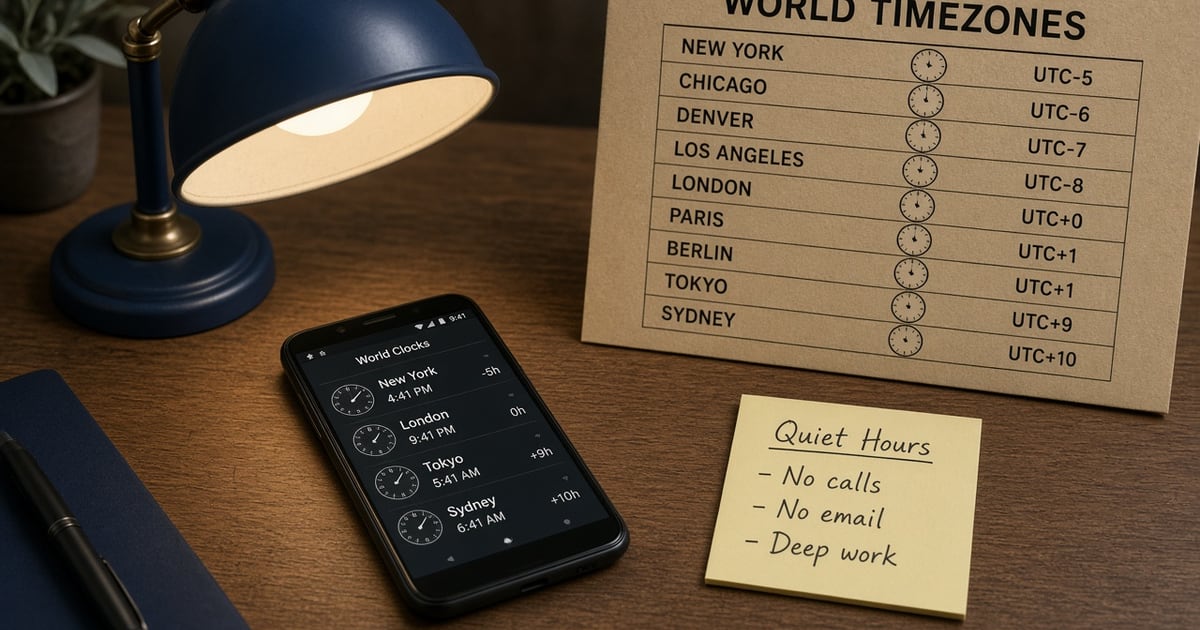
- Scheduling campaigns by timezone on an Android SMS gateway server means your code converts civil time to ISO-8601 before the control plane stores the job.
- scheduleAt is refused beyond 38 days. PATCH /campaigns/{id} can re-time a campaign. Confirm fields in Developer Center.
- A queued job is not a sent SMS. The paired Android must be charged, paired, and funded at fire time.
- Quiet hours are your policy. The server will fire at the instant you stored — including 02:00 if you converted badly.
- You bring airtime. Platform pricing is devices plus send volume. Scheduled OTP still belongs on an isolated device.
Gateway Server: How to schedule campaigns by timezone is about the control plane’s clock, not the phone’s lock screen. The server stores an instant; your Android sends when that instant arrives — if the radio is awake. Hub: Android SMS gateway server. API sibling: schedule via the API. App sibling: schedule in the Android app.
Live fields: Developer Center. You bring the SIM and airtime. Devices and send volume.
UTC in the queue. Local civil time in your code. The SIM does not know Lagos.
The server stores an instant, not a timezone
Cloud relay and local-on-device HTTP share this: neither one is IANA tzdata for your CRM. If you pass a naive local string, you will page people at 3am after DST. Cloud relay vs local.
A campaign that “works in staging at noon” and fires at 04:00 in production is a conversion bug, not an SMSC outage.
How to schedule from the gateway server
- Group lists by timezone (or store tz per contact).
- Convert the send window to ISO-8601 UTC.
- POST with
scheduleAt— refuse anything past 38 days. - Confirm device last-seen an hour before T. Spare phone if OTP shares the account.
- Watch DLR. PATCH the campaign if the window slips.
Queue internals: message queue architecture.
scheduleAt sample
curl -X POST "https://app.sms-gateway.app/api/v1/messages" \
  -H "Authorization: Bearer $SMS_GATEWAY_API_KEY" \
  -H "Content-Type: application/json" \
  -d '{"to":["+14155552671"],"text":"Reminder: your invoice is due tomorrow.","type":"sms","scheduleAt":"2026-09-01T09:00:00Z"}'

# Times are ISO-8601 UTC unless the string carries an offset.
# scheduleAt is refused beyond 38 days. PATCH /campaigns/{id} can re-time a campaign.
Timezone failure modes
| Mistake | What fires | Fix |
|---|---|---|
| Naive local datetime | Server TZ, not recipient TZ | Convert in app code |
| DST ignored | Off-by-one hour twice a year | IANA zone, not a fixed offset forever |
| Phone asleep at T | Queue stall | Handset power |
| OTP on the campaign device | Login codes wait behind a blast | Isolate devices |
| Horizon > 38 days | API refuse | Re-POST closer in |
38 days and PATCH
The control plane is not a year-long marketing calendar. Far-future work belongs in your CRM until it fits the window. Confirm PATCH /campaigns/{id} in Developer Center before you build a second scheduler.
The phone must be alive at T
Schedule is persistence, not a promise the OEM will leave the app running. Doze, battery, pairing: setup. Quiet-hours and consent still apply — US industry baseline: CTIA.
Scheduled still meters volume
Fire time burns operator credit and platform SMS allowance the same as a live send. Estimate airtime with monthly operator cost. Free is 300 SMS lifetime — do not schedule a “test campaign” that eats the lab cap.
Next steps
Convert one staff reminder to UTC, POST it, unplug the demo from your pocket, and confirm the bubble at T. Install the app.
Related product pages
Jump to the live product docs for this topic—not another long-form article.
- bulk SMS from Excel and CSVSpreadsheet campaigns
- bulk SMS with consent best practicesHigh-volume outreach
- scheduled SMS campaignsSend later windows
- SMS API documentationLive endpoint reference