Android Sms Gateway Queue Offline: In-Depth Guide

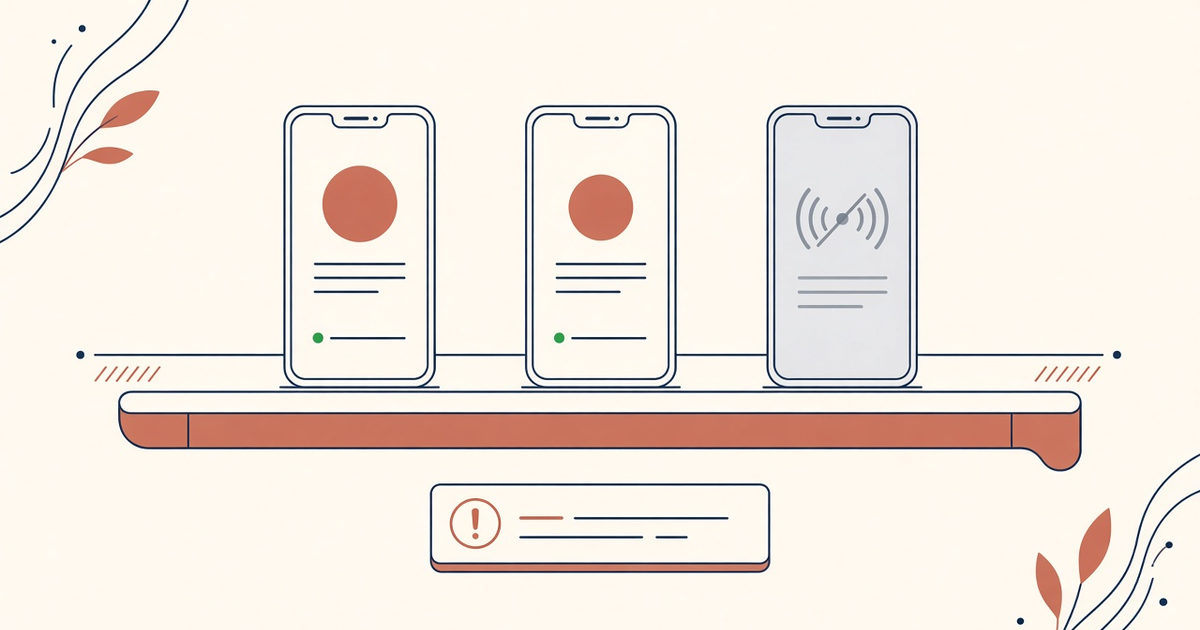
Featured illustration for Android Sms Gateway Queue Offline: In-Depth Guide

Android Sms Gateway Queue Offline: In-Depth Guide. Long-tail article focused on exact query "android sms gateway queue offline". Expand with examples, limits, FAQ, and links to hub A. Priced by devices and SMS send volume; BYO phone and operator credit. Developer Center owns live API parameters.

Written by the SMS Gateway team for operators who run phones and airtime themselves — not for theoretical cloud SMS demos.

InformationAndroid SMS GatewayIn-DepthHub A
Article
Published
March 14, 2025
Updated
April 18, 2025
Reading time
16 minute read

Key Takeaways

  • android sms gateway queue offline means the control plane accepted work the handset cannot radio yet.
  • Do not flush a night of OTP onto a waking phone. Drop stale codes; pace the rest.
  • Promo can wait. Login codes have a TTL. Treat them differently in the drain.
  • OEM sleep and empty airtime look like “queue bugs.” Check the chassis first.
  • Priced by devices and SMS send volume. You use your own phone and operator SMS credit. Queued retries still spend operator SMS when they finally send.
  • Free 300 SMS lifetime is enough to rehearse an offline drill.

Searchers for an android sms gateway queue-offline guide just watched Pending age climb while the phone sat on a charger that was not charging. This spoke is drain policy, not a second OpenAPI. Live fields: Developer Center.

Priced by devices and SMS send volume. You use your own phone and operator SMS credit.

A queue that proudly delivers a 40-minute-old OTP is a security incident with a progress bar. Expire it.

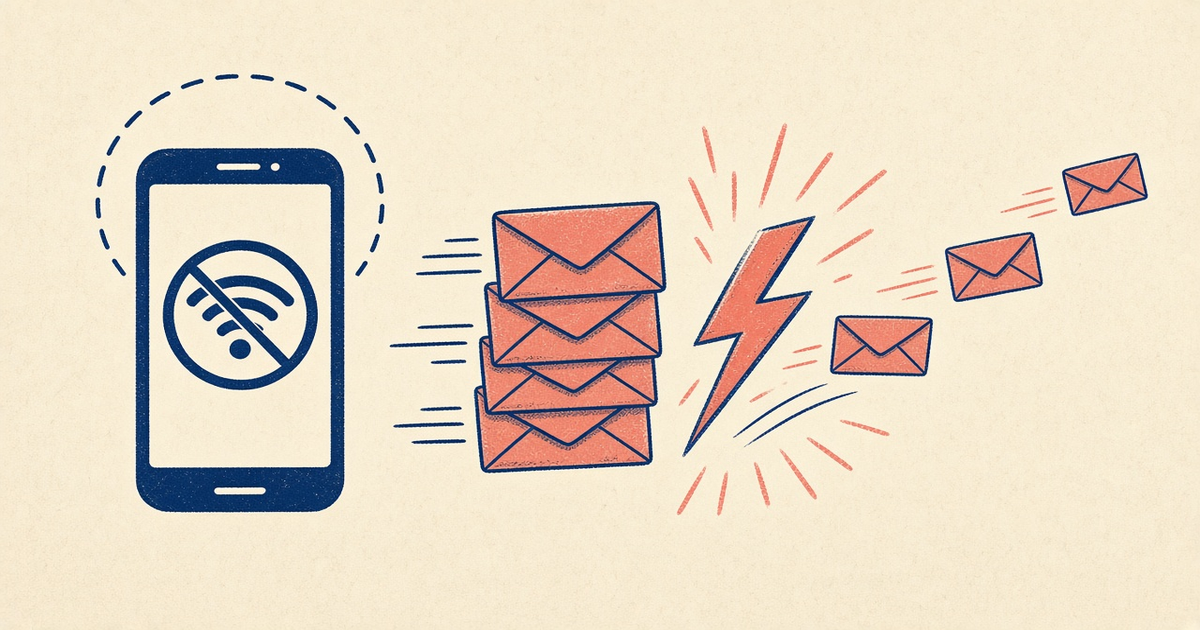
Offline is a radio event

Pairing down, Doze, airplane mode, dead USB, empty SMS balance — the API is not the SIM. Webhooks and DLR still describe radio outcomes. Webhooks. Do not treat every Pending as a JSON bug.

What should wait vs what should die

TrafficIf the phone was offline 20+ minOn wake
OTP / 2FAExpire in your app; user already retriedDo not send the corpse
Order / shipping alertUsually still usefulDrain with pace; dedupe
Promo / campaignCheck quiet hours and STOPNever dump ahead of OTP
Client retries without idempotencyDuplicates waiting in lineOne send; drop the rest

OTP must expire in the queue

Your auth service owns TTL. If the handset was dark past that window, cancel rather than prioritize. See OTP priority queues. Isolate the OTP phone so a promo backlog cannot hold the SIM. OTP.

Drain slowly when the phone wakes

Burst-on-reconnect looks like an attack to operators and like a jammed radio to OEM rate ceilings. Pace. Confirm current hold/retry semantics in docs — do not invent a flush endpoint.

Power and OEM beat queue depth

Spare charged device, USB that survives a blip, battery exemptions. Setup · failover. An empty operator wallet also “queues” forever.

Retries vs queued duplicates

Clients that POST again on timeout without Idempotency-Key leave two jobs for one user. Fix the client; do not drain both.

Checklist

  • OTP TTL enforced before drain.
  • Promo cannot jump the OTP device.
  • Wake drain is paced, not a firehose.
  • Idempotency on user-visible sends.
  • OEM + charge + airtime checked before blaming the API.
  • On-call drill: unplug, wait, watch expiry not a stampede.

Next steps

Write the TTL, then count the spare device. Queues do not replace a second charged phone.

Jump to the live product docs for this topic—not another long-form article.

FAQ

Frequently asked questions

Direct answers about android sms gateway queue offline.

If the Android goes offline, are my POSTs lost?

The API can accept and hold work depending on product behavior — confirm current semantics in Developer Center. Your app still must expire OTP so a delayed send is not a surprise login code.

Should I hammer send when the phone reconnects?

No. Pace the drain. A burst trips OEM and operator ceilings and burns airtime on messages nobody wants anymore.

Does an offline queue include carrier credit?

No. Priced by devices and SMS send volume. You use your own phone and operator SMS credit.
Keep learning

Topically related guides—chosen by subject overlap, not a fixed sitewide footer.

Information
android sms gateway device offline alerts

Android Sms Gateway Device Offline Alerts: In-Depth Guide

Android Sms Gateway Device Offline Alerts: In-Depth Guide. Long-tail article focused on exact query "android sms gateway device offline alerts". Expand with examples, limits, FAQ, and links to hub A. Priced by devices and SMS send volume; BYO phone and operator credit. Developer Center owns live API parameters.

Feb 21, 202516 min
Read article
Information
android sms gateway otp priority queue

Android Sms Gateway Otp Priority Queue: In-Depth Guide

Android Sms Gateway Otp Priority Queue: In-Depth Guide. Long-tail article focused on exact query "android sms gateway otp priority queue". Expand with examples, limits, FAQ, and links to hub A. Priced by devices and SMS send volume; BYO phone and operator credit. Developer Center owns live API parameters.

Mar 29, 202516 min
Read article
Information
android sms gateway acceptable use

Android Sms Gateway Acceptable Use: In-Depth Guide

Android Sms Gateway Acceptable Use: In-Depth Guide. Long-tail article focused on exact query "android sms gateway acceptable use". Expand with examples, limits, FAQ, and links to hub A. Priced by devices and SMS send volume; BYO phone and operator credit. Developer Center owns live API parameters.

Jul 17, 202516 min
Read article
Information
android sms gateway audit logs

Android Sms Gateway Audit Logs: In-Depth Guide

Android Sms Gateway Audit Logs: In-Depth Guide. Long-tail article focused on exact query "android sms gateway audit logs". Expand with examples, limits, FAQ, and links to hub A. Priced by devices and SMS send volume; BYO phone and operator credit. Developer Center owns live API parameters.

Feb 21, 202616 min
Read article

Browse the full Android SMS gateway knowledge base or return to how an Android SMS gateway works.

Get started

Test the gateway on your own Android phone

Install the app, pair one device, and validate your API flow before choosing a paid plan.

You supply the phone, SIM, and operator SMS credit.