Key Takeaways
- Localizing SMS is encoding and segment math, not just swapping a JSON string.
- One Bangla or Arabic character can flip a 160-character GSM-7 OTP into a 70-character UCS-2 message — and a second segment.
- Keep OTP digits in ASCII even when the surrounding sentence is translated.
- The gateway app UI language is separate from the message body you send through the SIM.
- You still pay operator airtime per segment. Platform pricing is devices plus send volume.
Why language is a radio problem
Teams search for “android sms gateway app how to localize message language” when a second market lights up and the English OTP starts looking rude. The instinct is to paste a translation into the template. The radio does not care about politeness. It cares whether the alphabet fits GSM-7.
An Android SMS gateway sends whatever body you hand it, through the SIM you funded. Localization lives in your app: pick a locale, pick a template, stay inside segment budgets. The Android client’s own menus can be in another language entirely. Do not confuse those two surfaces.
Platform fee is devices plus SMS send volume. Operator credit is yours. Concatenated parts still burn airtime. Free remains 300 SMS lifetime; that meter does not grow because the user speaks Bengali.
GSM-7 vs UCS-2
Classic SMS is a 7-bit alphabet (GSM-7 / GSM 03.38). English OTP sentences usually fit one 160-character segment. The moment you introduce Arabic, Devanagari, CJK, or even a single emoji, the encoder switches to UCS-2. Capacity drops to 70 characters per segment. Concatenation headers steal more.
That is why a “short” Bangla sentence plus a code becomes two operator messages. Your panel may show one job; the carrier bills two. Budget retries on that number.
“Translate the sentence, not the digits. A user who cannot read English can still type 482917. A user who receives a full-width ‘482917’ will fail the form.”
3GPP keeps the alphabet tables; a readable overview of alphabets and concatenation is in the 3GPP specifications index. Do not treat blog-post character counts as a substitute for a real encoder in CI.
Segment cost by script
Numbers below are planning defaults for a typical OTP wrapper plus six ASCII digits. Measure your exact templates — a legal footer will blow the budget in any language.
| Message style | Alphabet | Chars / segment (single) | Typical OTP envelope |
|---|---|---|---|
| English, digits only | GSM-7 | 160 | 1 segment |
| English + one emoji | UCS-2 | 70 | 2 segments common |
| Bengali / Hindi sentence + ASCII code | UCS-2 | 70 | 2 segments unless you cut copy |
| Arabic / Urdu RTL sentence + ASCII code | UCS-2 | 70 | 2 segments; test RTL rendering |
| Code-only body (“482917”) | GSM-7 | 160 | 1 segment; weaker phishing context |
OTP copy that survives translation
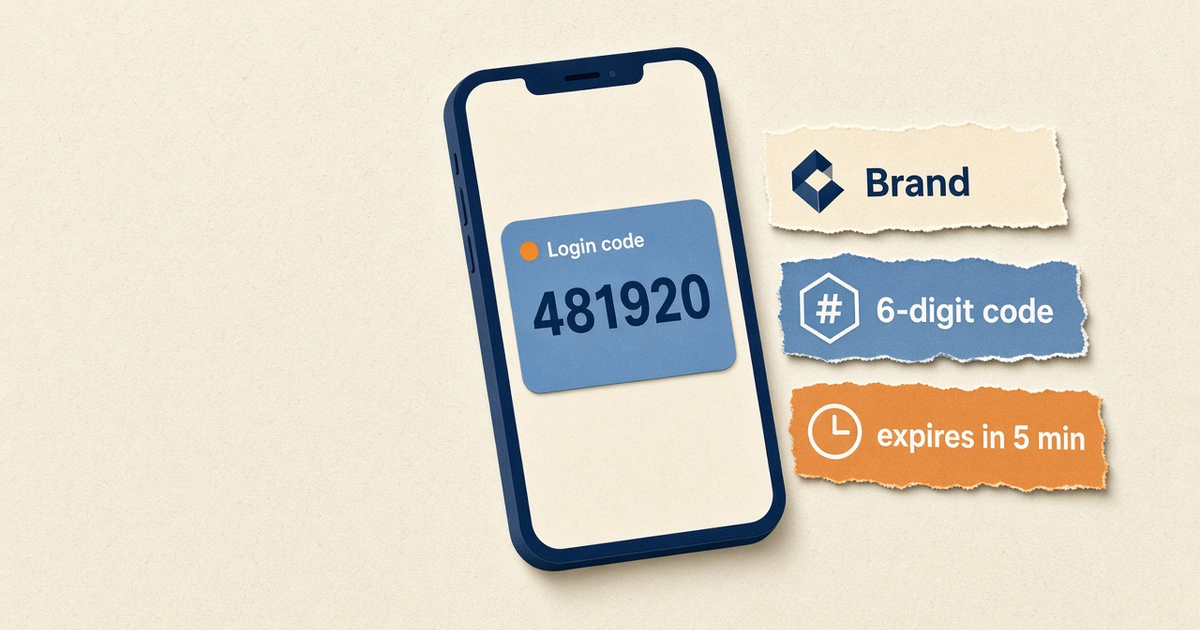
For login OTP, lead with the code. Put brand and expiry after. Long marketing clauses belong in email. SMS is a bad place for a privacy policy.
Hold one template per locale in your product, with placeholders: {code}, {minutes}, never concatenate user-generated names into the first 20 characters if those names can be Unicode. A Ukrainian last name should not flip an otherwise GSM-7 ops alert into UCS-2 unless you accepted that cost.
Do not auto-translate from the agent or from a generic LLM into production without a native speaker pass. A bad translation that includes “free,” “win,” or a shortened URL will look like phishing — and some operators already filter that class of wording. See the companion notes on spammy wording; the filter is the carrier, not our marketing copy.
RTL, names, and concat
Right-to-left bodies still travel as UCS-2. Handsets generally render RTL SMS correctly; your logs may not. Store the body as UTF-8. Display with dir="auto" in the panel if you show history to staff.
Concatenated SMS can arrive out of order on a tired radio. Keep OTP in the first segment so a lost part 2 does not hide the code. That is another reason to keep the wrapper short.
STOP handling: auto-reply and STOP fires while the device is online. Publish the opt-out phrase you will actually honor in that language. Still treat English STOP as sacred on mixed lists.
What the Android app actually localizes
Operators running the gateway care about the phone UI: pairing, queue, battery warnings. That is app localization. Recipients never see it. Do not promise “the app sends in the user’s language” as if the APK contained every template.
Your backend selects the body. PHP and C# HTTPS samples: PHP, C#. Those are language samples, not a translation SDK.
Dual-SIM routing does not pick a language. Slot 1 vs slot 2 is a radio choice. Locale is a template choice. Keep them in different columns of the runbook.
Canary in every locale
- Maintain a staff handset per major script you ship (Latin, Arabic, Indic at minimum if you sell those markets).
- Send the exact production template, not a lorem string, after every copy change.
- Count segments with a GSM encoder in CI; fail the build if OTP exceeds one segment without an explicit flag.
- Watch deliverability separately per locale — some filters are language-specific. Measurement notes live in ops guides; start from device setup.
Geo pages (for example Bangladesh) talk markets, not string catalogs. Put the catalog in your app. Put the SIM in a place with RF.
A template set that stays honest
Ship four OTP envelopes, not forty. English GSM-7 short. English GSM-7 with brand. Unicode short (code first). Unicode with legal minimum if counsel insists. Everything else is a variant of those four. Marketing SMS is a different catalog with STOP language you can actually honor.
Personalization: first names in Latin scripts often stay GSM-7. First names in native scripts force UCS-2 for the whole message. If finance cares about segment cost, drop the name from SMS and keep it in the in-app screen.
Timezones and “expires in 5 minutes” should use a number, not a wall-clock in the sender’s city. A translated “before noon” is how you create support tickets. Keep units numeric.
Filters, phishing tone, and mixed lists
Localized copy that shouts, uses extra punctuation, or wraps the code in a link will look like smishing in every language. Carriers and OS spam classifiers do not give you a free pass because the sentence is polite Bangla. Put the domain in the brand slot, not as a raw bit.ly.
Mixed lists (English + local) should still accept STOP. If you only document a local opt-out word, English-speaking roamers will send STOP anyway. Record both. Auto-reply while the device is online; do not invent a second bot that argues.
MMS is not a localization strategy. Rich cards do not fix alphabet math, and MMS has its own carrier and attachment limits. MMS gateway is a different job.
QA that catches the expensive mistakes
- Encoder unit test: fixture bodies → expected segment count.
- Render test: screenshot the SMS on a cheap Android in that locale, not only iOS.
- RTL: confirm the six digits are not reversed by a naive string concat.
- Copy review: one native speaker before the first customer send, even if the model “translated it.”
- Airtime: log segment count per locale weekly so finance is not surprised.
Scheduled campaigns in multiple languages still pace to the radio. Scheduled SMS does not bypass OEM ceilings. Quiet hours are a product rule in your scheduler, not a gateway feature that knows Ramadan or Sunday.
Next steps
Inventory templates, mark each GSM-7 or UCS-2, and cap OTP to one segment unless legal forces a second. Then localize. Pricing and device caps: plans. You still fund the operator.
Related product pages
Jump to the live product docs for this topic—not another long-form article.
- SMS API documentationLive endpoint reference
- device and SMS volume pricingPlans and allowances
- Android SMS gateway product guideDefinition, product, and how to buy
- download the Android gateway appGet the APK