Key Takeaways
- Claude Desktop SMS tools = your MCP REST wrapper loaded in Anthropic’s desktop host — not a first-party SMS plugin.
- Example prompt: allowlist send/list tools, keys in env, never echo OTP, list_devices before send.
- Retest after Desktop / MCP client updates. Schema drift is a send incident.
- No MCP server implementation dump. Live fields live in Developer Center.
- Bulk send stays human-approved. OTP stays isolated from marketing tools.
- You bring the Android and operator credit. We meter devices and send volume.
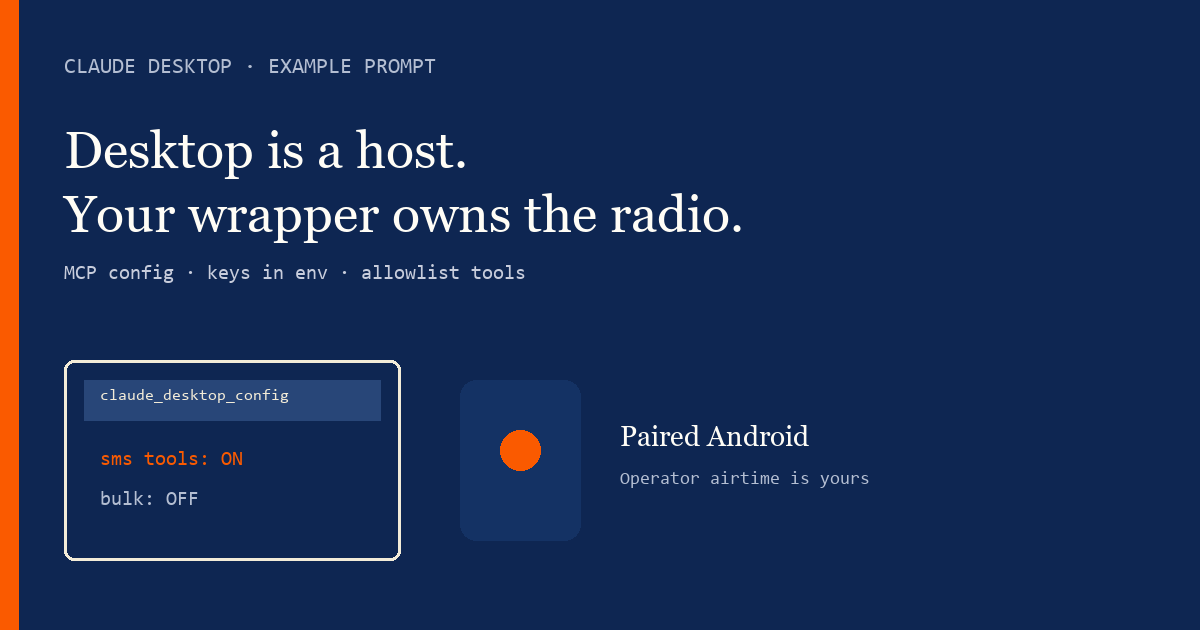
Claude Desktop is a host
Claude Desktop SMS tools — example agent prompt covers allowlisting your Android SMS gateway MCP wrapper inside Claude Desktop. Do not rewrite the MCP overview. Spec: MCP specification.
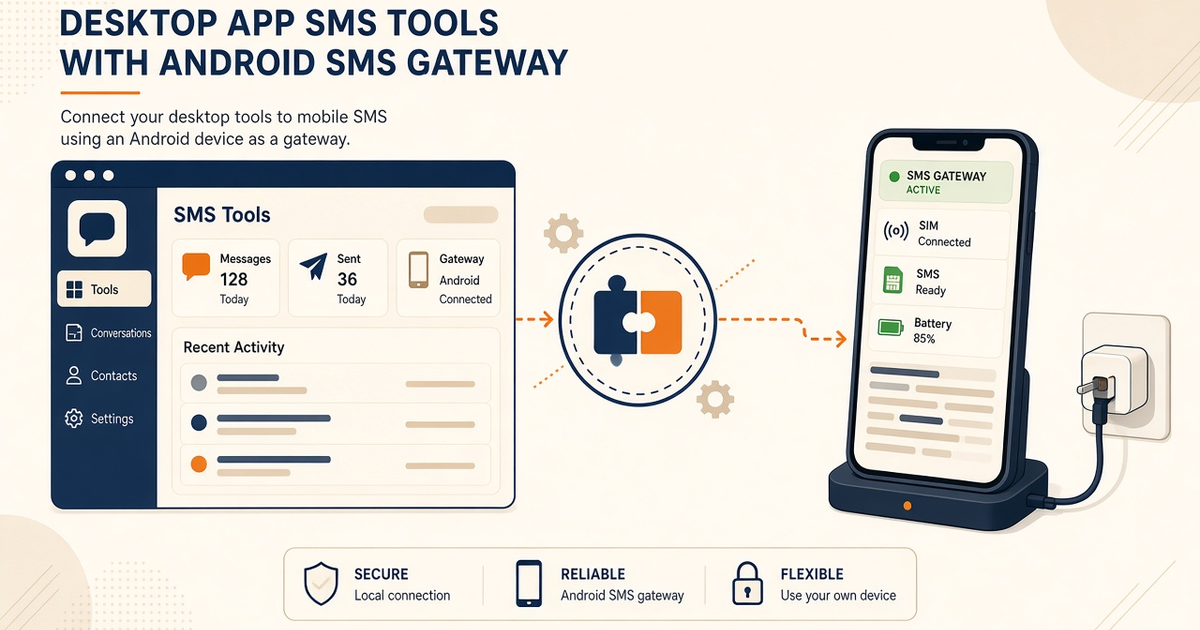
Enabling SMS tools in Claude Desktop is a config change, not a new SMS network.
Example agent prompt
“You are in Claude Desktop. Only use SMS tools on the allowlist. Read API keys from environment variables — never from chat. list_devices before send. Honor 429. Never echo OTP digits. Bulk send requires explicit human approval.” Fields: Developer Center.
Desktop checklist
| Item | Desktop-specific? | SMS-specific? |
|---|---|---|
| MCP / Claude Desktop config | Yes — this host’s files | Which tools can send |
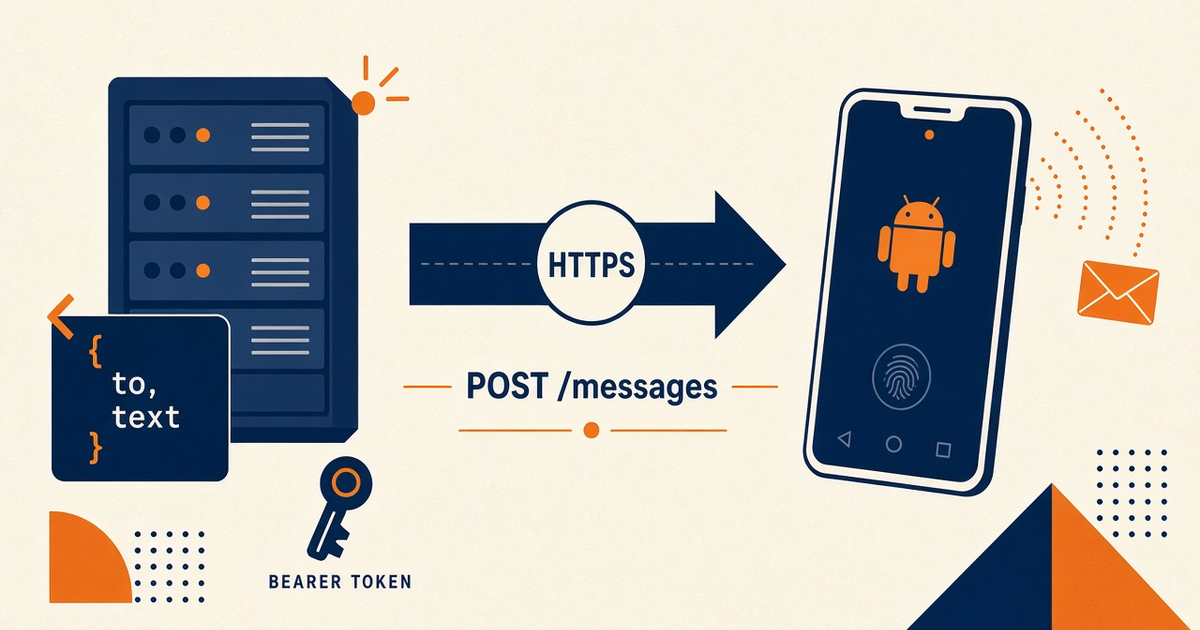
| Gateway REST | No | Same API as Cursor / Windsurf hosts |
| Paired Android | No | Device setup |
| Env-based API keys | Host must inject env | Never paste keys into prompts |
Allowlist and keys
Disable marketing blast tools in developer desktops unless a human is in the loop. OTP follows the agentic OTP prompt. Sibling: MCP auth and API keys.
Cost
You bring the Android and operator SMS credit. Desktop convenience does not include airtime. Free: 1 device / 300 SMS lifetime / 300 contacts. See device and SMS volume pricing.
Checklist
- No “official Claude SMS plugin” claim.
- Allowlist documented for this host.
- Keys in env, not chat.
- Retest after Desktop updates.
- list_devices before send.
- OTP isolated; no digits in chat.
- No MCP source dump.
- Developer Center for live fields.
Next steps
Cursor host twin: Cursor MCP SMS setup prompt. Audit logging: MCP logging prompt.
Related product pages
Jump to the live product docs for this topic—not another long-form article.
- SMS API documentationLive endpoint reference
- device and SMS volume pricingPlans and allowances
- Android SMS gateway product guideDefinition, product, and how to buy
- download the Android gateway appGet the APK