Key Takeaways
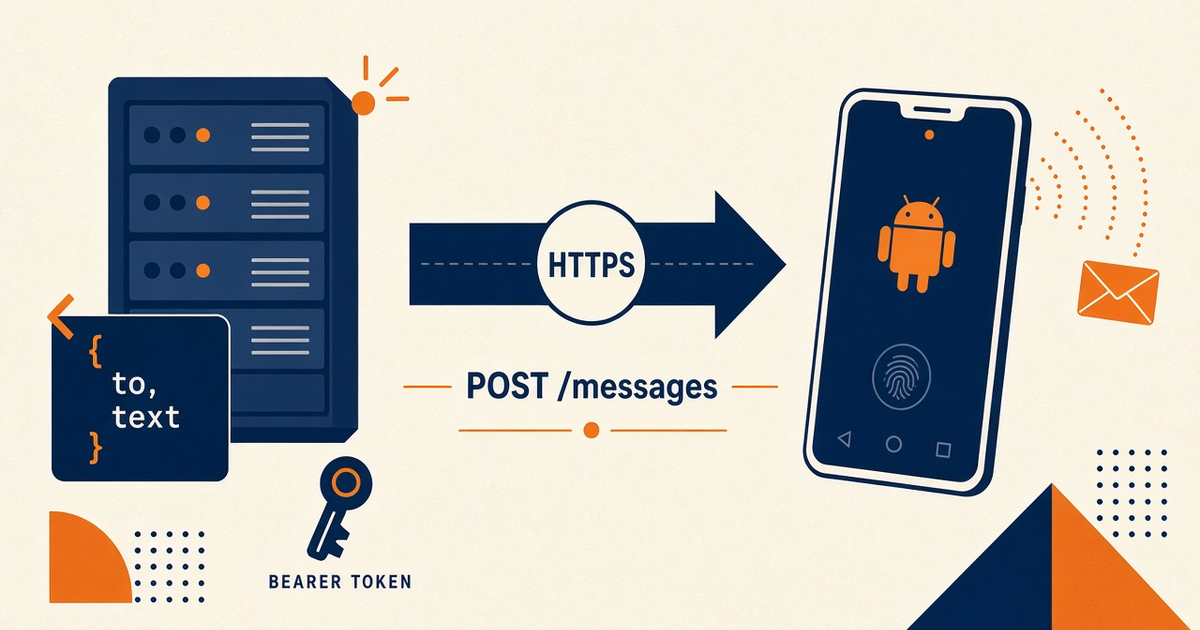
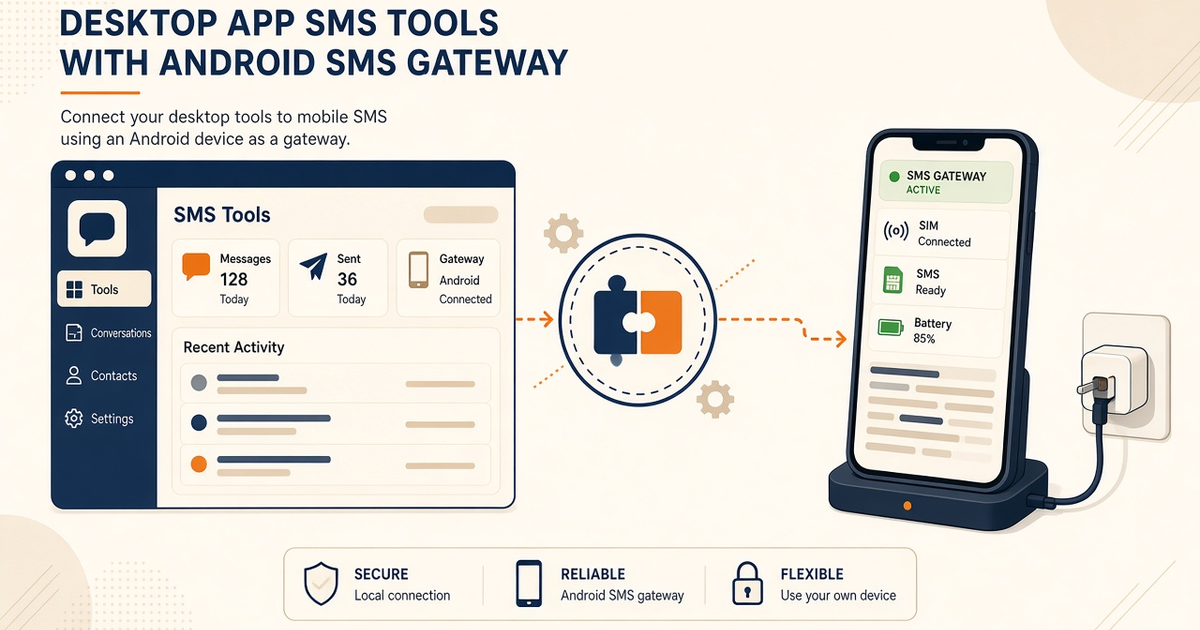
- mcp server claude desktop sms tools concepts: Claude Desktop talks MCP; your process POSTs /messages; the SIM still sends.
- We do not ship a first-party Claude plugin. You register a server you run.
- Do not copy Cursor mcp.json blindly into claude_desktop_config.json — hosts differ.
- Keys in the MCP process env. Never in the chat transcript.
- Priced by devices and SMS send volume. You use your own phone and operator SMS credit. Desktop convenience does not include operator airtime.
- In-depth wiring lives on the Claude Desktop how-to; this page is the shape.
Claude Desktop hosts the agent; you host MCP
Search intent for mcp server claude desktop sms tools concepts is the split of responsibilities. Service pricing is based on device count and total SMS sent through the gateway. How-to: Claude Desktop SMS tools. Spec: modelcontextprotocol.io.
Claude Desktop is not an SMSC. Recipients still see your SIM. If the phone is asleep, the nicest tool description will not wake the radio.
Desktop config is not Cursor mcp.json
Same tools, different host file. Cursor concepts: Cursor MCP setup concepts. Do not mix paths.
| Host | Config | Still yours |
|---|---|---|
| Claude Desktop | Desktop MCP config (as Anthropic documents) | Your stdio/HTTP server + Android radio |
| Cursor | mcp.json / MCP settings UI | Same REST, different file |
| Your MCP process | SMS_GATEWAY_API_KEY in env | Never the chat box |
| Handset | Paired, Doze exempt | Last-seen, not the model’s opinion |
Tools wrap REST
POST /messages, GET DLR, optional webhooks. Confirm names in docs.sms-gateway.app. We do not ship a Desktop plugin.
Do not paste OTP into Desktop
Agentic policy: agentic OTP concepts. Allowlist destinations. Human gate for anything list-shaped.
Tool calls meter volume
Priced by devices and SMS send volume. You use your own phone and operator SMS credit. Staging key for experiments. Pricing.
Claude Desktop concepts checklist
- You run the MCP server; Desktop only hosts the agent.
- Config file is Desktop’s, not Cursor’s.
- Key in process env.
- No production OTP in chat.
- Staff canary before any customer number.
Next steps
Read the Desktop how-to, then canary. Setup. MCP server overview.
Related product pages
Jump to the live product docs for this topic—not another long-form article.
- SMS API documentationLive endpoint reference
- device and SMS volume pricingPlans and allowances
- Android SMS gateway product guideDefinition, product, and how to buy
- download the Android gateway appGet the APK